Setting your field of view (FOV) in sim racing
The right FOV is the angle your screen actually covers in front of your eyes. It is calculated from two measurements: the width of the screen and its distance from your eyes.
The right field of view, or FOV, is the angle your screen actually covers in front of your eyes. Set to that value, the game shows the road at its real size: a corner 50 metres away looks 50 metres away. It is calculated from two measurements, the visible width of the screen and the distance between your eyes and the screen.
What a wrong FOV changes
A FOV wider than the real angle fits more scenery onto the screen. Every object looks smaller, so further away, and speed feels lower than it is: you brake too late and misjudge distances. A narrower FOV does the opposite, with a road that seems to arrive too fast.
The formula
Horizontal FOV = 2 × arctan (screen width ÷ (2 × distance)). Vertical FOV is calculated the same way with the screen height. Measure the visible panel, without the bezel, and the distance from your eyes in driving position, not from the seat back.
An example: a 27-inch 16:9 screen is 59.8 cm wide. At 70 cm from the eyes, 2 × arctan (59.8 ÷ 140) gives 46 degrees horizontally.
Values for common screens
We calculated the FOV with this formula, for a flat screen. Each cell gives the horizontal FOV, then the vertical FOV, in degrees.
| Screen | 50 cm | 60 cm | 70 cm | 80 cm |
|---|---|---|---|---|
| 24-inch 16:9 | 56 / 33 | 48 / 28 | 42 / 24 | 37 / 21 |
| 27-inch 16:9 | 62 / 37 | 53 / 31 | 46 / 27 | 41 / 24 |
| 32-inch 16:9 | 71 / 43 | 61 / 37 | 54 / 32 | 48 / 28 |
| 34-inch 21:9, 3440 × 1440 | 77 / 37 | 67 / 31 | 59 / 27 | 53 / 24 |
| 49-inch 32:9 | 100 / 37 | 90 / 31 | 81 / 27 | 74 / 24 |
Horizontal or vertical: read the game's setting
Each simulator asks for one value or the other, and some do the calculation themselves from the screen size and distance. Check the label of the setting before entering a number: a horizontal value typed into a vertical setting gives a picture far too wide.
If the result looks narrow
The right FOV often surprises: on a 27-inch screen placed at 70 cm, it only shows part of the dashboard. Widening the FOV to see more amounts to distorting distances. To widen the view without cheating, you have to bring the screen closer or get a bigger one.
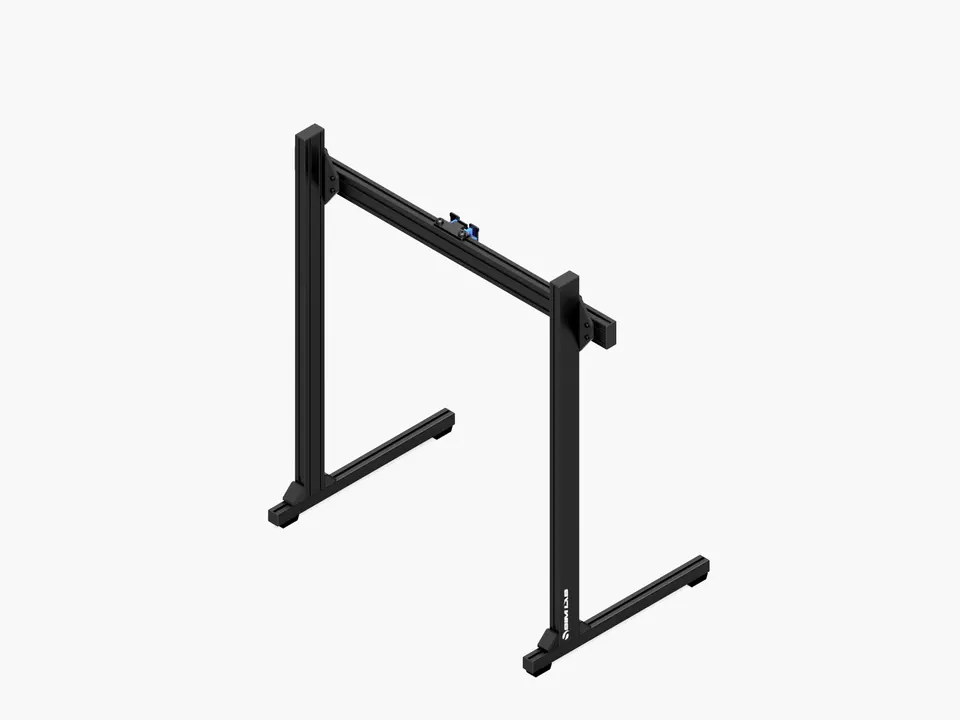
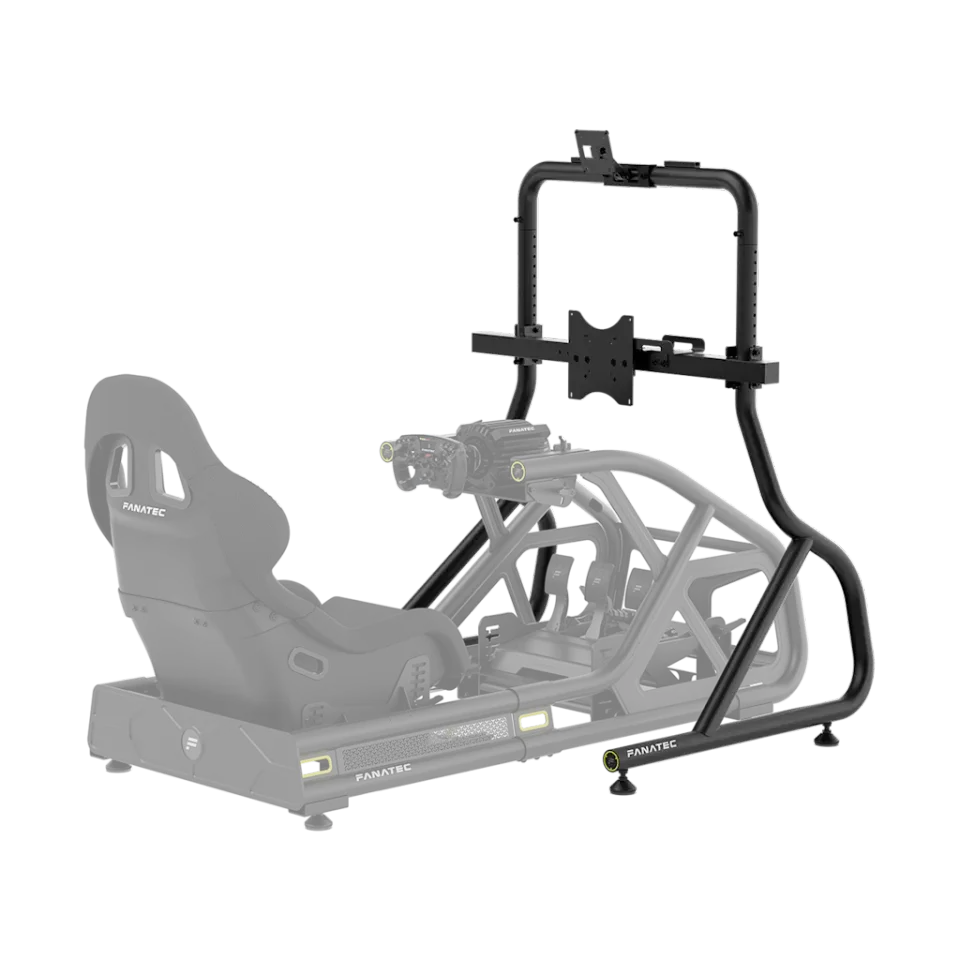
Bringing the screen closer means placing it just behind the base, at eye height, which a desk rarely allows. That is the job of a freestanding monitor stand or one fixed to the cockpit.
Curved screens, triple screens and virtual reality
The formula holds for a flat screen. On a curved screen the edges are closer to your eyes, and the real angle is slightly larger than the calculation: use the table as a starting point. With three screens, the angle of the side screens also enters the calculation, and simulators that support triple screens ask for it in a dedicated setting. In virtual reality, the field of view depends on the headset and is not set in the game.
Our guide cockpit or wheel stand helps you choose the structure that will carry the screen, and the one on sim racing in a flat covers the space to plan for.
This article contains links to retailers. See our affiliate disclosure page.
Products mentioned
Asetek SimSports